

Telegram integration
Set up a Telegram integration and receive live events in your favourite Telegram channel.
Create a Telegram channel
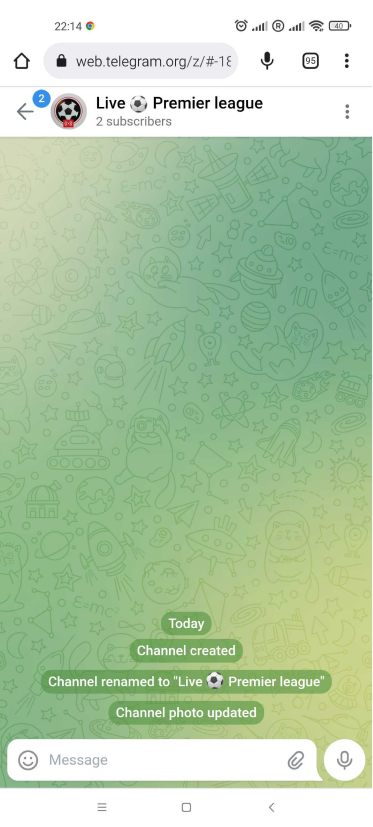
Make a new Telegram channel or use one where you are admin.
Get the channel id following the instructions here: https://www.youtube.com/watch?v=HuDFjqWelxQ .
Your channel id is XXXXXXXXXX. Keep it for later.
Create a bot
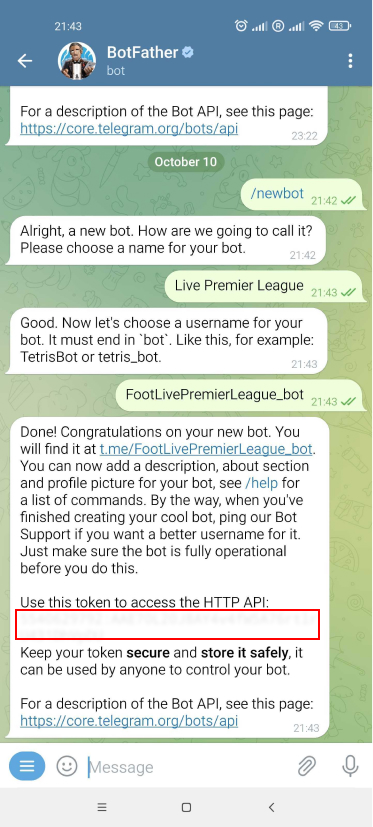
Enter @BotFather in the search tab and choose this bot. Click “Start” to activate the BotFather bot.
Choose or type the command /newbot and send it. Choose a name for your bot — your subscribers will see it in the conversation. Then choose a username for your bot — the bot can be found by its username in searches. The username must be unique and end with the word “_bot”.
Once you choose a suitable name for your bot, the bot is created. You will receive a message with a link to your bot t.me/bot_username, recommendations to set up a profile picture, description, and a list of commands to manage your new bot. Copy the bot token.
Invite the bot to your channel
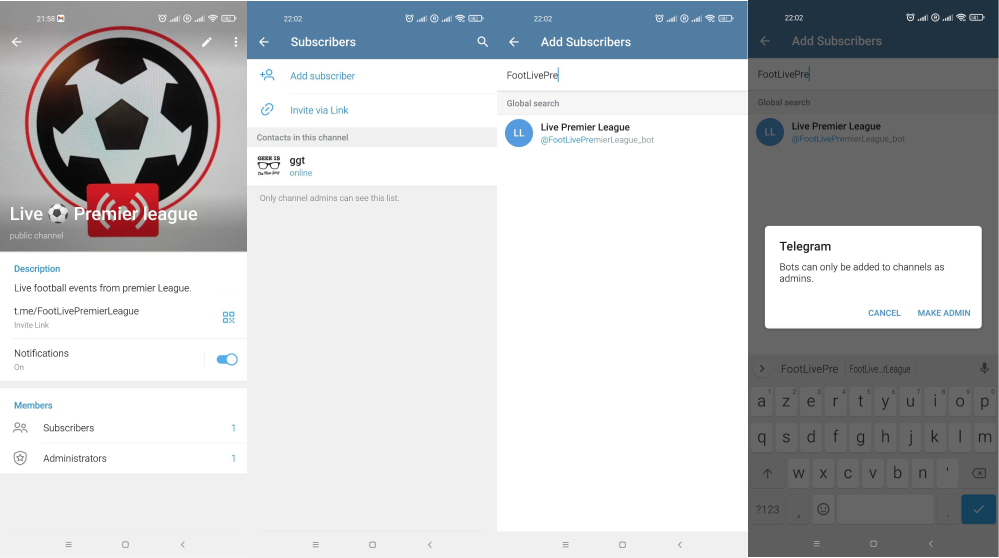
Click on the channel name, then on “Subscribers”, then on “Add subscriber”. Search for your bot name and add it as an admin. You can leave the default rights for the bot.
Add Telegram info in the app
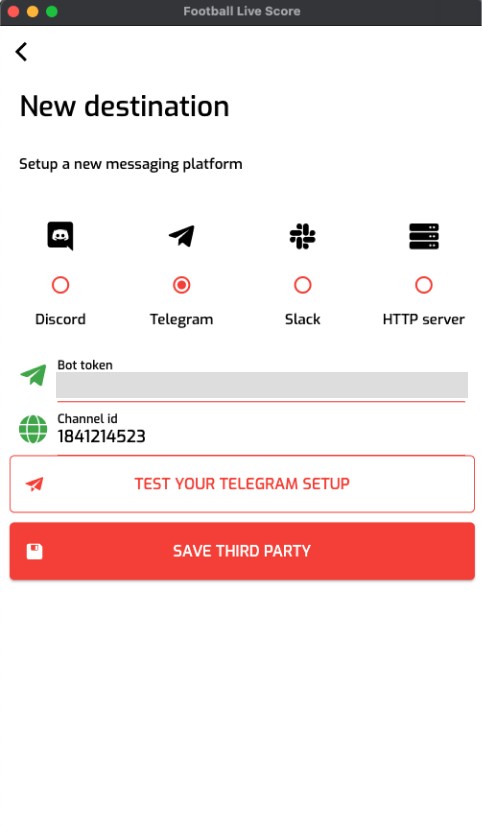
Copy the channel id and bot token in the app. Click on “Test your Telegram setup”. You should receive a message confirming the integration works. Save the destination and select it.
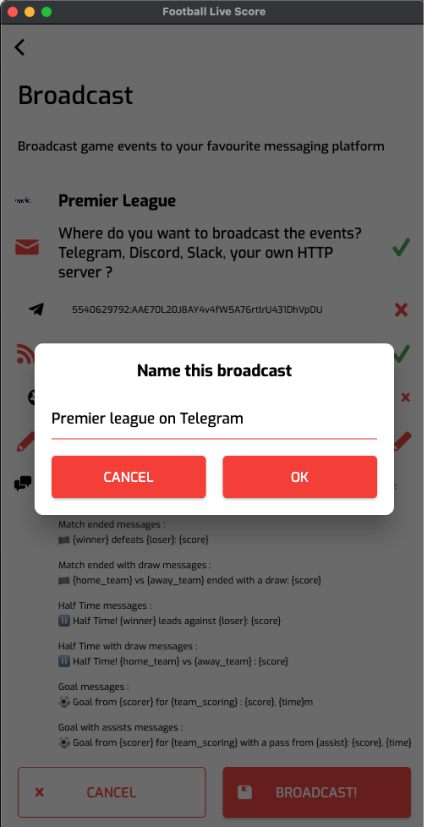
Name your broadcast and start it
You will now receive the events live in your Telegram channel. Woot!