

Discord integration
Set up a Discord integration and receive live events in your favourite Discord channel.
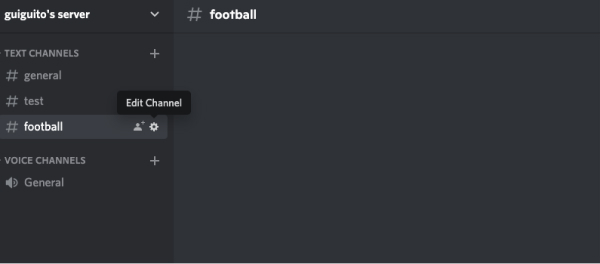
Edit channel
Click on the little cog to edit the channel.
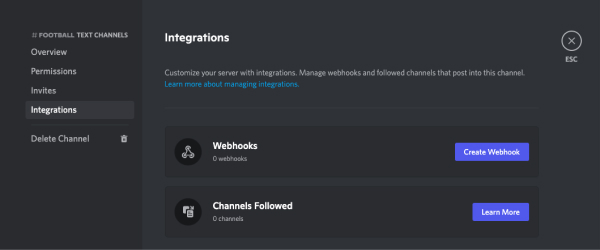
Go in the integration menu
Click in the integration menu and click on “Create webhook”.
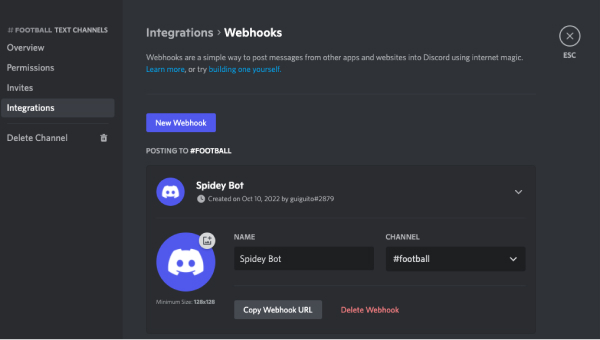
Copy the webhook URL
Click on “Copy Webhook URL”. Feel free to change the bot name.
Paste the URL in the app
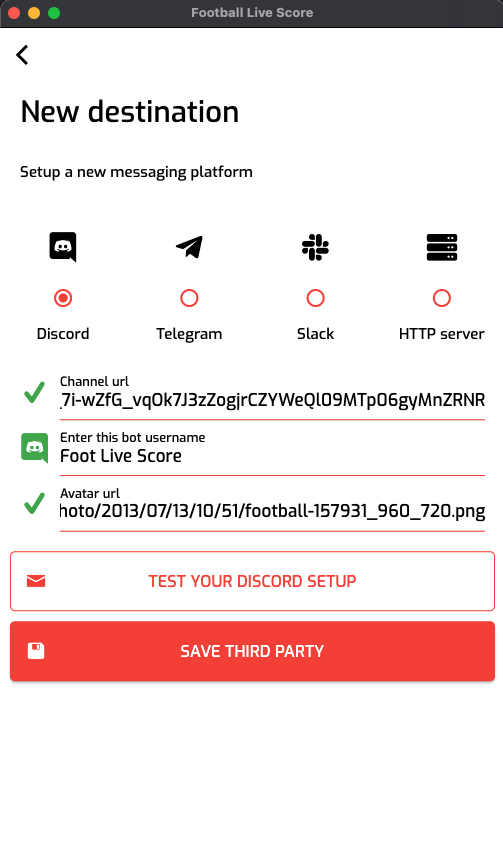
Paste the URL in the screen where you create a new destination. Set the bot name and add an icon for the bot. For that you need the icon web url. You can use for instance this icon.
You can test your setup by clicking on “Test your Discord setup”. You should receive a message in your channel. Save the destination and select it.
Launch your broadcast
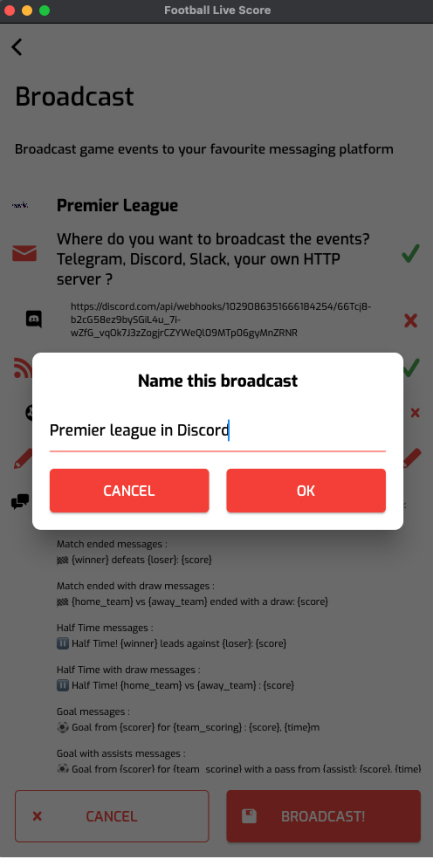
Name your broadcast and launch it.
You'll receive the next live event in your Discord channel. Woot!